
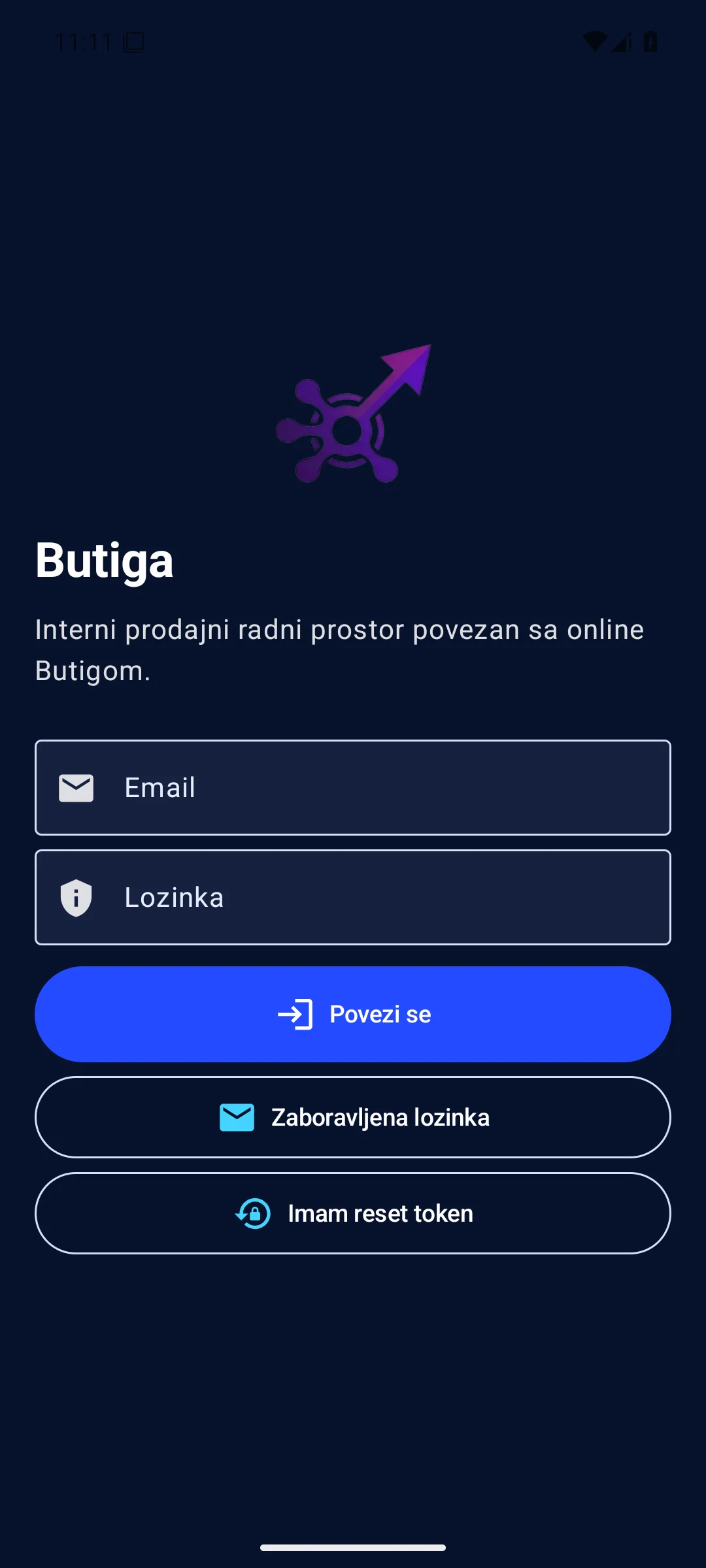
Butiga for Android lets the sales team find a company or lead, record a new enquiry, change a supported lead status, read or send business email and review activity notifications in the official mobile workspace. The app connects to the same Butiga account used on a computer. It is intended for quick work outside the office, rather than fully replacing the web application's administrative and reporting screens.
What can you do with the Android app?
- Find a lead or a company.
Search the records and open the information needed to resume the conversation. - Record a new lead.
Enter a new query while the conversation is still fresh, without rewriting the notes when you return to the office. - Update a lead's status.
Supported changes can be recorded on the phone, with a signal if subsequent synchronisation needs attention. - Work with business email.
View folders and messages, reply, write a new message, use templates, and add an attachment when needed. - Follow the activities.
Mobile notifications help you notice an event that requires a reaction. - Continue limited work offline.
The app stores supported mobile data and can queue certain lead actions for later synchronisation.
The mobile app is not the entire CRM web application in a smaller frame
Detailed price list and quote work, onboarding management, reports and workspace administration remain primarily in the web application. The Android version focuses on situations where you most need the customer, message, activity and next step on your phone.
Illustrative example: from a field enquiry to an organised record
- Your client will call you after the meeting. Find the company or existing lead on your phone before replying.
- Check the context. Open the data available in the mobile application and view the business email related to the continuation of the conversation.
- Record the change. Create a new lead or update a supported status instead of leaving the commitment in a private note.
- Send an answer. Write an email, reply to an existing message, or use the prepared template.
- The synchronization keeps the continuity. When the network is available, supported mobile changes reach the online Butiga system. If there is a conflict, the app does not present it as successfully completed.
- You keep working in detail on the web. Complete the quote, report or more complex administration on the screen designed for it.
Note: This example describes the actual scope of the mobile workflow. Specific data availability depends on your account, permissions and configured email connections.
What offline work means
The Butiga Android app can use locally saved snapshots of supported data and queue certain lead actions for later processing. This is not a complete offline CRM. Sending emails, loading new data and other network actions require a connection, and a conflict or synchronisation failure may require you to review the change again.
Current version and release notes
me.temelj.saleshubnotifyVersion 1.0.67 adds a white startup screen with a centred Butiga logo and waits for the encrypted session state to load, so a signed-in user does not briefly see a login form during a cold start. It also includes user confirmation before applying an incoming mail assistant suggestion.
Download and install
- Download Official Butiga APK only from the domain
app.butiga.me. - If Android requests permission to install unknown apps, enable it only for the browser or file manager used to open this APK.
- Open the downloaded file and choose installation. You do not need to delete the existing app for regular updates.
- After installation, open Butiga and sign in with the details provided for your workspace.
- Disable permission to install unknown apps again for the browser or file manager used.
Do not install a debug build, a copy from an unknown source or an APK from another domain. Android accepts a valid update only when the newer app has the same package identity and the appropriate digital signature.
How to verify the downloaded file
The published APK is a production package with one signer and an Android v2 signature. You can check its SHA-256 checksum before installation.
Expected SHA-256 for version 1.0.67:e7aee77c891a0013ccf688ad5a5a0a3c9e8883ef161a7a52a6a359b33dc70d39
Official checksum file must show the same checksum. On a Windows computer, you can run:
Get-FileHash .\butiga-latest.apk -Algorithm SHA256For advanced signature verification, useapksignerfrom the official Android SDK Build Tools package:
apksigner verify --verbose --print-certs butiga-latest.apkExpected SHA-256 signing certificate fingerprint:a03d34fe17260659dee50aff0df8754f00e198f3e6e593a6055be376905471d1
Who Butiga Android application is for
- Field sales
needing to save an enquiry or update a status immediately after a visit. - Owners of small companies
wanting to check a customer or business inbox away from their computer. - Sales teams
who benefit from less delay between a conversation and the CRM record. - Teams with business email in Butiga
who wish to read and send a message from the same official mobile work space.
When Android applications are not enough
If you spend most days editing complex offers and price lists, making detailed reports, running user administration or expecting full offline use of all CRM data, the web application remains the main workspace. The mobile application complements this process; it does not try to move every large screen to the phone.
See how mobile work enters the rest of the process
Learn how Butiga organises leads and contacts, connecting business e-mail and tracks work through the sales pipelineYou can also review all features or book a demo with an example of your team's mobile work.