
A Butiga CRM demo starts with your process, not a prepared feature list. Explain how you receive enquiries, who manages customers, where communication stays, how quotes are created and what happens when a deal is won. We then show the same example in Butiga with a clear owner, deadline and next step. We agree on the time and scope after your request.
What to expect
- A brief look at your current process.
First, we identify where delays, duplicate entry or loss of context occur today. - One specific workflow in the product.
We choose leads, email, decision-maker mapping, pipelines, the quote room or handover based on your stated problem. - The product's actual limits.
We explain where Butiga supports your way of working, where configuration is needed and where another tool is a better fit. - Questions about data and access.
You can ask how workspaces, roles, email accounts, mobile work and handover are organised. - An implementation estimate after assessment.
We do not promise the same timeline, migration or configuration scope before seeing your data and process. - A clear next step.
If there is a fit, we agree on what else needs checking before a commercial decision.
Demo workflow example: a quote without timely follow-up
- You describe the current situation. A quote is prepared from a document, emailed and tracked in a spreadsheet or personal reminder.
- We find where context is lost. It is unclear which version is current, who should contact the customer or when a response was promised.
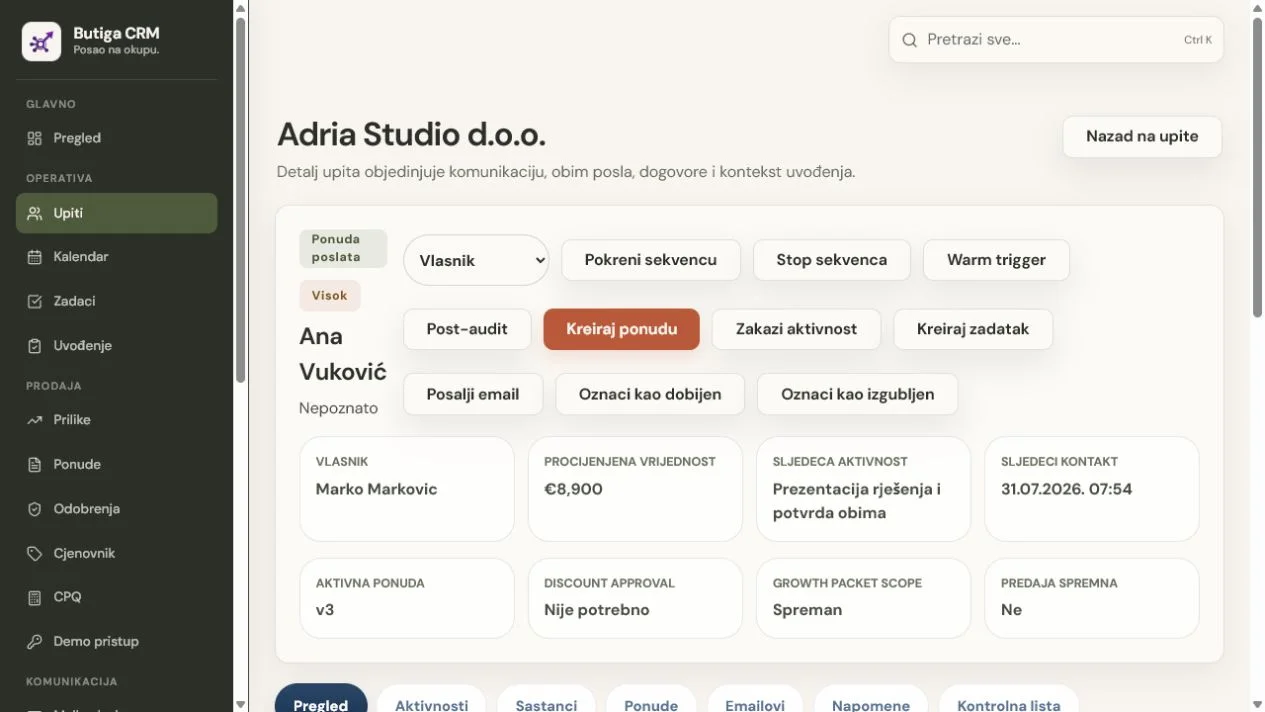
- We show the same work in Butiga. Customer, communication, decision-makers, active quote, owner and next activity remain connected.
- We check exceptions and signals. We walk through a discount, quote review in the buyer room, an incoming reply, late contact or a change of owner.
- We agree on what needs confirming. This may include email connections, data structure, roles, quote preparation or implementation scope.
Note: the demo uses demonstration data. We do not ask you to send real customers' personal data, credentials or confidential documents with your initial request.
What to prepare before the conversation
- who receives new enquiries and assigns an owner;
- the tools currently holding email, quotes, deadlines and notes;
- one example of work that slowed down or lost context;
- what the salesperson must complete before someone else takes over;
- the questions your manager asks to understand the open pipeline;
- anonymised column or stage names if you are considering moving from Excel.
Who benefits from a demo?
- A small B2B business
wanting to replace scattered spreadsheets, inboxes and reminders. - A sales team
needing lead ownership, a shared pipeline and verifiable follow-up. - A service business
handing agreements to operations after quote acceptance. - Field sales
wanting to check the supported Android workflow alongside the main web workspace.
When a demo is unlikely to help
If you need accounting, a fiscal cash register, warehouse management, an online shop, mass marketing campaigns or a fully bespoke business system without a CRM sales workflow, Butiga is probably not the right choice. A demo also does not automatically activate a trial or paid account. Product access and commercial terms are arranged separately.
What happens after your request?
Temelj za rast uses the contact details in the form to respond, clarify the focus and arrange a time. We do not promise an automatic appointment or a specific response time. Request data is processed under our privacy notice. If you prefer not to use the form, email contact@temelj.me.
Before requesting a demo, explore all features, the solution for small businesses, the solution for sales teams or our approach to security and data control.